
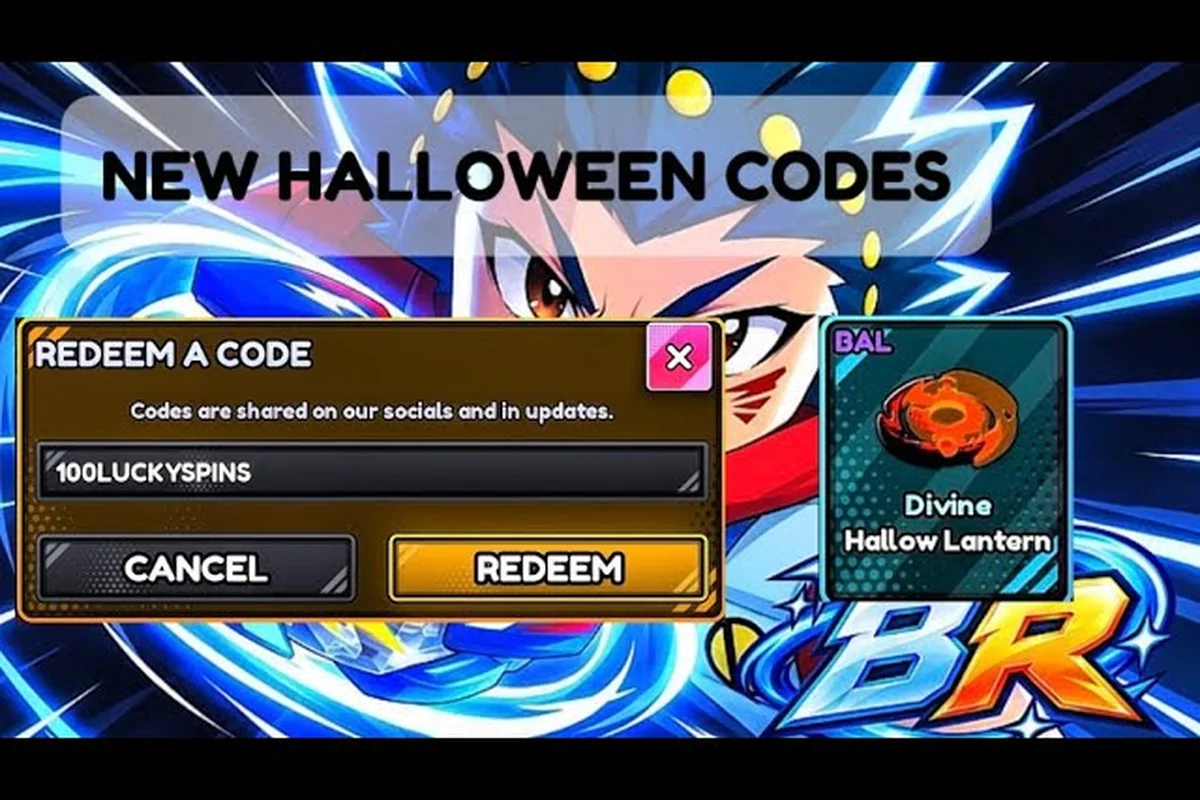
The Bey Rivals SpookySeason code is the headline freebie of the Halloween window, handing out 8 Spin Tickets and 3 Lucky Spins for a few seconds of typing. If you want those rewards before the pumpkin-themed promo disappears, this breakdown covers the exact strings, the reward math, and the checks that keep a redemption from failing.
Halloween Rewards From the SpookySeason Code
The Halloween event arrived alongside a broader batch of promo strings, and the SpookySeason entry sits at the center of it because it feeds two different parts of the economy at once. Spin Tickets drive banner pulls for new parts, while Lucky Spins feed the separate lucky pool that players use to chase higher-rarity drops. Getting both from a single redemption is why community lists flagged this one so heavily during the October window.
Bey Rivals is a Roblox battle game from the group BBR Productions, and the wiki covers place 79726149410614 only. You play as a blader who launches a custom Bey into an arena and fights in fast burst-style clashes, where a Bey that burst-pops or gets knocked out loses the round. Because the part economy runs on banner-style spins, free Spin Tickets translate directly into loadout upgrades.
Here is what the verified reward pool looked like as of 2026-10-26: the SPOOKYSEASON code itself paid out 8 Spin Tickets + 3 Lucky Spins, a dual-currency split that explains why it topped community lists. For comparison, HEADLESS dropped a flat 10,000 Bey Points, SOULREEL gave 3 Soul Tickets, and TRAITLAB handed over 8 Lucky Spins — meaning SPOOKYSEASON was the only entry in the batch feeding both the banner-pull pool and the lucky-spin pool simultaneously.
| Code | Reward | Status (2026-10-26) |
|---|---|---|
| SPOOKYSEASON | 8 Spin Tickets + 3 Lucky Spins | Active |
| HEADLESS | 10,000 Bey Points | Active |
| BIGFIXUPDATE | 7.5K Bey Points + 5 Spin Tickets | Active |
| SOULREEL | 3 Soul Tickets | Active |
| TRAITLAB | 8 Lucky Spins | Active |
| TOP100 | 15,000 Bey Points | Active |
The pattern is worth noting: the Halloween batch mixes currency, tickets, and spins rather than dumping everything into one bucket. That spread matters because Bey Points (BP) are the main currency, while Spin Tickets, Lucky Spins, and Soul Tickets each feed a different rolling system. Redeeming the full set gives you a broader push than any single code could.
One caution before you start typing. Media outlets disagreed on a few entries during this window, with at least one code appearing as both active and expired across different lists. The in-game Codes page is always the final authority, so treat every table here as a snapshot rather than a permanent record.
Why the Halloween Timing Matters
Seasonal codes tend to have shorter lifespans than milestone codes tied to permanent updates. The SpookySeason string is named for a specific promo window, so it is far more likely to vanish after the event than a general bug-fix code would be. Redeeming it early costs nothing and removes the risk of missing the window entirely.
How to Claim the SpookySeason Code
Redemption happens entirely inside the game, and the flow is short enough that most players finish in under a minute. The one hard requirement is group membership: you must join BBR Productions before most codes will register, and skipping that step is the single most common reason a redemption silently fails.
Join the group first. Open the Bey Rivals Roblox group page and join it before touching the Codes tab — the redeem handler validates group membership server-side, so a non-member gets a generic "invalid code" error that looks identical to a typo. If the group join doesn't register immediately, rejoin the server before retrying the SpookySeason code.
-
Join the group first. Open the BBR Productions group page and join it before touching the Codes tab.
-
Launch Bey Rivals and wait for the main menu to fully load.
-
Open the Shop menu from the main interface.
-
Switch to the Codes tab inside the shop panel.
-
Type the string exactly — SPOOKYSEASON, all caps, no spaces.
-
Submit and check your inventory for the Spin Tickets and Lucky Spins.
If the reward does not appear, close the shop and reopen it before assuming the code failed. Some players report a short delay between submission and the reward landing in their inventory, which is normal during high-traffic event windows.
Common Redemption Failures
A rejected code usually means one of four things: the string was mistyped, the group requirement was not met, the code already expired after an update, or you already redeemed it on that account. Expired codes return a not-working message in-game, which is different from a typo error. If you see the not-working message on a string that community lists still show as active, the code most likely expired after a patch that the lists have not caught up with yet.
The redeem code walkthrough breaks down each failure mode in more detail if you keep hitting a wall, walking through the exact in-game redemption menu step by step so you can confirm whether a string like spookyseason, clashking, or flamehair was entered with the correct casing and no trailing space. It also covers the group requirement check that trips up codes such as trainwithrui, and explains why a bughunter or luckyspin entry can silently fail when your account already logged that reward on a previous session.
Related Halloween and Event Codes Worth Grabbing
The SpookySeason string is the seasonal highlight, but it is not the only freebie in the pool. Several other codes were active during the same window, and stacking them gives you a much larger head start on the part economy. The specialty strings below appeared in the verified pool with differing rewards across lists, so confirm each one in-game.
| Code | Type | Reported Reward |
|---|---|---|
| CLASHKING | Specialty promo | Varies by list |
| FLAMEHAIR | Specialty promo | Varies by list |
| BUGHUNTER | Bug-hunt promo | Varies by list |
| TRAINWITHRUI | Community promo | Varies by list |
| LUCKYSPIN | Spin-focused promo | Varies by list |
| AUTOSELL | Feature promo | Varies by list |
The CLASHKING and FLAMEHAIR strings are the kind of promo codes that typically appear alongside content drops, while BUGHUNTER reads like a bug-report reward tied to a fix cycle. TRAINWITHRUI looks like a creator-collab string, and LUCKYSPIN is the most self-explanatory of the group since it points straight at the lucky pool. AUTOSELL ties to a quality-of-life feature rather than a seasonal event.
Because media lists disagreed on several of these entries, do not treat any single source as gospel. Type each string into the Codes tab and let the game tell you whether it still works. A code that fails today may simply have expired after the last patch.
Stacking Codes for Maximum Value
Redeeming several codes back to back is the fastest way to build a usable loadout. The economy loop rewards this: you gather parts through banner-style spins, tune a loadout, unlock abilities, and then push into the ranked ladder. Every extra Spin Ticket shortens that first phase, and the Lucky Spins from SpookySeason give you a second roll channel on top of it.
The active codes roundup tracks which strings are still live so you are not wasting time on expired entries. That matters more than it sounds, because Bey Rivals codes expire on a rolling schedule and a dead string returns nothing but an error toast — no Spin Ticket, no Lucky Spin, no Coins. Before you paste anything from a social post, cross-check it against the roundup: codes like bey rivals spookyseason code and bey rivals luckyspin code may still resolve while older seasonal strings such as bey rivals trainwithrui code have already lapsed. The roundup also flags which rewards each live code actually grants, so you can prioritise the ones feeding Spin Tickets into the SpookySeason Lucky Spin channel instead of redeeming a low-value Coin drop first.
Reading Code Lists Without Getting Burned
Code lists go stale fast in a game that launched in the October 2026 window and patches frequently. The title carried a pumpkin emoji prefix during the Halloween promo, which is a useful signal that the seasonal window is still open — once that prefix disappears, expect the seasonal strings to follow shortly after.
A "Spooky Season" code with no expiry date is a trap, not a gift — the October 2026 launch window means every redeemable string is tied to a live patch cycle, so the only safe assumption is that the code dies the moment the pumpkin emoji prefix disappears from the promo banner. Treat the date stamp as the single most important field on the list: a code verified three patches ago has almost certainly been rotated out of the active reward pool, and redeeming it will just burn a slot against the stricter reading of the game's one-use-per-account rule. Cross-reference at least two sources before you paste anything, because outlets that scrape the same Discord announcement will agree with each other while both being stale — the disagreement only shows up when one source has actually re-tested the string in-game after the latest hotfix.
-
Check the date stamp. A list without an as-of date is close to useless for a game this young.
-
Cross-reference two sources. When outlets disagree, assume the stricter reading until the game confirms otherwise.
-
Redeem immediately. A code that works today can expire with tomorrow's balance patch.
-
Trust the in-game page last. The Codes tab overrides every external list, always.
| Signal | What It Means | Action |
|---|---|---|
| Pumpkin emoji prefix present | Halloween window still open | Redeem seasonal codes now |
| Pumpkin prefix gone | Promo window likely closed | Expect seasonal codes to expire |
| Code returns not-working message | Expired or already used | Skip and move on |
| Code returns typo error | String entered incorrectly | Recheck capitalization |
The not-working message and the typo error are genuinely different outcomes, and telling them apart saves you from retyping a dead code five times. If the string is correct and the group requirement is met, a not-working result almost always means the code is gone.
Why Launch-Window Codes Rotate So Quickly
Bey Rivals launched on 2026-10-10 and was last updated on 2026-10-26, with roughly 2.08 million visits, about 3.6K players online, and a 25-player server cap recorded on that date. A game moving that fast pushes balance patches and event codes constantly, and the meta shifts with them. Codes tied to a specific patch, like the early balance string RINGOUTFIX, tend to age out faster than milestone codes because they are pinned to a moment rather than a season.
Because these strings are often tied to a specific build, a code that worked before a hotfix can silently fail after one, which is why the AttackType code troubleshooting guide covers what to do when a string that should work keeps failing. The same failure pattern hit SPOOKYSEASON during the October 2026 event window: the code stayed valid through the 2026-10-10 launch build, but players who redeemed it after the 2026-10-26 patch reported "invalid code" errors even though the reward banner still displayed.
Turning Halloween Rewards Into a Real Loadout
Free tickets only matter if you spend them well, and the part system is where that decision happens. Part types split into Attack, Defense, Stamina, and Balance, and surnames plus traits add throw-type modifiers and stat buffs on top. A pile of Spin Tickets is really a pile of chances to fill gaps in whichever category your current build is missing.
A practical spending order for a fresh account: dump Spin Tickets into the standard banner until you own at least one Attack, one Defense, and one Stamina part, because a single complete core clears far more story and event nodes than a scattered pile of rare Balance pieces. Hold Lucky Spins until a banner features a surname or trait that patches your weakest slot.
-
Pull for a complete core first. One usable Attack, Defense, and Stamina part beats three half-finished sets.
-
Save Lucky Spins for a targeted chase. Do not burn them the moment you get them if a better banner is coming.
-
Bank Bey Points for tuning. Currency is what lets you adjust a loadout after the parts land.
-
Test in casual clashes before ranked. Burst and ring-out rules punish an untested build hard.
The burst-style result rules are unforgiving: a Bey that burst-pops or gets knocked out loses the clash, so raw stats without a coherent type mix will still lose rounds. The Halloween ticket haul from SpookySeason gives you enough pulls to reach a functional build quickly, which is exactly the point of a seasonal code.
Matching Parts to Your Playstyle
Attack-leaning players want parts that trade stamina for burst pressure, while Stamina builds win by outlasting opponents until a ring-out or burst decides the round. Balance sits between the two and is the safest starting point if you are still learning the timing. Whichever direction you pick, the tickets from the Halloween batch shorten the grind to get there.
Frequently Asked Questions
What does the Bey Rivals SpookySeason code give you?
The SpookySeason string awarded 8 Spin Tickets plus 3 Lucky Spins as of 2026-10-26, according to community lists and media checks. That combination feeds both the standard banner pool and the separate lucky pool, which is why it was one of the most-redeemed codes of the Halloween window.
Do I need to join a group before redeeming?
Yes. You must join the BBR Productions group before most codes will register, and skipping this step is the most common cause of a failed redemption. Join the group first, then open the Shop menu and use the Codes tab to submit your string.
Why does a code say it is not working?
A not-working message usually means the code expired after an update or was already redeemed on your account. This differs from a typo error, which means the string was entered incorrectly. If community lists still show it as active, the code likely expired after a patch those lists have not updated for.
Are the other Halloween codes still active?
Several strings were active during the same window, including HEADLESS, BIGFIXUPDATE, SOULREEL, TRAITLAB, and TOP100. Media outlets disagreed on a few entries, so always confirm each one in the in-game Codes tab, which is the final authority on whether a code still works.
How often do new codes appear?
New codes typically arrive with game updates and seasonal events. Since the game launched on 2026-10-10 and was updated on 2026-10-26, expect fresh strings roughly in step with patches. Redeem anything you find quickly, because codes expire or change after updates.
The Halloween window is short, and the SpookySeason code is the fastest free boost in it. Grab the Spin Tickets and Lucky Spins while the pumpkin prefix is still up, stack the other event strings on top, and spend the haul on a loadout that survives a burst clash.