
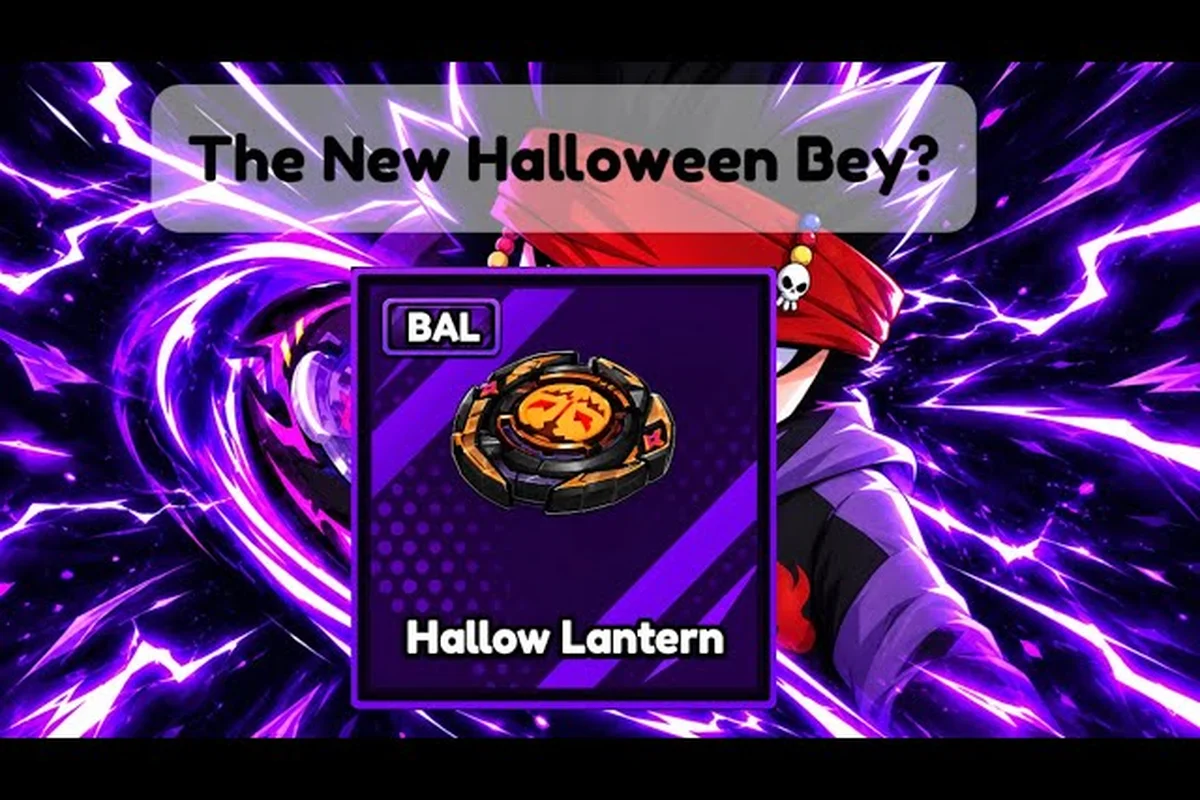
When bey rivals server down reports spike, the cause is usually a patch rollout or a short Roblox-side hiccup rather than a permanent shutdown. Check the official Bey Rivals Trello board and the Roblox status page first: most outages resolve within 15–30 minutes, and the Trello card is updated the moment a new patch ships. If the Trello board still shows the previous patch as current, the downtime is almost certainly Roblox infrastructure rather than a Bey Rivals update issue. This guide shows you how to confirm the real status fast, so you can tell a genuine outage apart from a routine maintenance window.
What a Bey Rivals Server Down Report Usually Means
Most "server down" complaints trace back to one of three situations: a scheduled patch being pushed, a Roblox platform issue affecting many games at once, or a brief overload when a seasonal window opens. The game itself is a Roblox experience run by the BBR Productions group, so its uptime is tied to Roblox's infrastructure rather than a standalone server farm. That matters because a fix often happens on Roblox's side, not the developer's.
Community data from the official Discord shows that status chatter is player-reported. There is no public status page that posts a green or red light, and server-down waves typically resolve without a matching changelog entry. In practice, that means the fastest signal is other players confirming they are back in the arena.
Here is how the common scenarios compare: a patch rollout typically leaves everyone stuck on "joining" for minutes to an hour, while a Roblox-wide issue drags on until the platform recovers, and a version mismatch only clears once you relaunch the game.
| Symptom | Likely Cause | Typical Duration | What to Do |
|---|---|---|---|
| Everyone stuck on "joining" | Patch rollout in progress | Minutes to an hour | Wait, then rejoin |
| Only you disconnected | Local network or Roblox client | Seconds to minutes | Rejoin the same server |
| Whole platform lagging | Roblox-wide issue | Varies | Check Roblox status first |
| Kicked right after an update | Version mismatch | Until you rejoin | Relaunch the game |
The key takeaway is that a bey rivals server status check almost never needs an official statement. If the game page shows a recent update timestamp and other players are loading in, the outage has already cleared. There is no green-or-red status page for the BBR Productions experience, so the practical test is behavioral: join a low-population arena first, since a patch rollout that leaves everyone stuck on "joining" will fail there just as fast as it fails in a full lobby, but a cleared outage lets you spawn in and confirm the Halloween event shop and limited event timer are live again. If that spawn succeeds, treat the downtime as resolved and skip the Discord refresh loop entirely.
Why Patch Windows Look Like Outages
Bey Rivals was created on 2026-10-10 and has been patched frequently through October 2026, with the last update shown on the page dated 2026-10-26. A game that ships this many balance changes in a few weeks will naturally produce short windows where players get kicked or fail to reconnect. Those windows are the single biggest source of false "server down" alarms.
During a push, the live servers can briefly reject new joins while the newest version propagates. Anyone mid-match may see a disconnect, and anyone trying to launch fresh may sit on a loading screen. Because these pushes are small and frequent, the disruption is usually measured in minutes, not hours.
How to Check Bey Rivals Server Status Yourself
You do not need a special tool to run a bey rivals server status check. The game page itself carries the most reliable timestamp: it lists when the experience was last updated, and a fresh date is a strong hint that a patch just went out. Combine that with a quick look at whether the online player count is climbing back up, and you can usually tell whether things are recovering.
The verified snapshot from 2026-10-26 showed roughly 2.08 million visits, about 3.6K players online, 5.8K favorites, and a 25-player server cap. A healthy online number near that range means the servers are serving players again. A number stuck near zero during peak hours is the clearest sign something is genuinely wrong.
Use this quick checklist before you assume the worst: a bey rivals server down verdict is only justified when the game page's last-updated date stays stale for 24+ hours, the online player count sits near zero during peak hours, and a fresh join on a different server also fails. If your client alone is stuck, the issue is local, not the bey rivals server status — relaunch Roblox before blaming the backend.
-
Refresh the game page and note the last-updated date.
-
Check the online player count — a rising number means recovery.
-
Try a fresh join rather than rejoining the same server.
-
Relaunch Roblox if only your client is stuck.
-
Ask in the official Discord whether others are affected too.
The official Bey Rivals Discord server is where announcements, code drops, and patch discussion land first. It had about 9.8K members at verification time, and the invite link is confirmed on the game's community pages. If a real outage were happening, that server is where you would see players confirming it in real time.
Reading the Player Count Correctly
A single low reading does not prove an outage. Player counts dip naturally during off-peak hours and rise sharply when a limited event opens. Compare the number against the time of day before drawing conclusions, and check twice a few minutes apart so you can see the direction of travel rather than one frozen snapshot.
Common Bey Rivals Update Issues and Quick Fixes
Not every "bey rivals server down" report is a genuine outage. Many bey rivals update issues are client-side and clear up with a simple relaunch, so before you assume the worst, rule out the cheap fixes: force-close the app, clear the cache, and check whether your build matches the latest patch notes. A stale client version is the usual culprit behind the infinite loading screen, and it can mimic a dead server even when the status page shows everything green. Confirm the distinction first — a quick relaunch costs seconds, while waiting out an outage that is not happening can sideline you for an entire limited event window.
| Issue | Real Cause | Fix |
|---|---|---|
| Infinite loading screen | Stale client version | Close and reopen the game |
| Codes rejected | Code expired or typo | Recheck the Codes tab |
| Progress not saving | Session ended mid-match | Rejoin and re-verify |
| Can't join friends | Server full (25-player cap) | Pick a different server |
| Sudden kick mid-clash | Patch push | Wait, then rejoin |
The 25-player server cap is worth remembering, because "can't join" is often just a full lobby rather than a broken server. If your friends are in a packed server, the game may simply refuse the join until a slot opens. That is a capacity limit, not an outage.
Codes are another frequent false alarm. Redeeming happens inside the game: open the Shop menu, go to the Codes tab, and enter the code there. If a code fails, it has usually expired or changed after an update, since codes rotate with patches. The current working list is tracked in our October 2026 active codes rundown, which flags which rewards are still live.
When It Really Is the Platform
If multiple Roblox games fail to load at the same time, the problem is almost certainly Roblox-wide rather than specific to this title. In that case, no amount of rejoining will help, and the correct move is to wait for the platform to recover. Checking a second, unrelated game is a fast way to confirm this.
Patch Notes, Halloween Codes, and the Limited Event Window
The October 2026 window has been busy. The bey rivals patch notes october 2026 cycle included an early major balance and bug-fix patch distributed partly through the BIGFIXUPDATE code, which granted 7.5K Bey Points plus 5 Spin Tickets. A later theme, RINGOUTFIX, addressed burst and ring-out physics and shipped as both a patch focus and a code carrying Spin Tickets and Lucky Spins.
The Halloween season ran four to five themed codes, including HEADLESS and SPOOKYSEASON, alongside limited spooky Beys and parts. Because event rewards arrive through codes and event-exclusive drops rather than a separate pass system, a code expiring can feel like content vanishing — but it is just the seasonal window closing.
| Patch Theme | Focus | Reward Type |
|---|---|---|
| BIGFIXUPDATE | Balance and bug fixes | Bey Points + Spin Tickets |
| RINGOUTFIX | Burst and ring-out physics | Spin Tickets + Lucky Spins |
| Halloween season | Spooky Beys and parts | Themed codes and drops |
The bey rivals limited event structure means timing matters more than grinding. If you miss a code, you miss that reward, so redeeming early in a window is safer than waiting. Our SpookySeason event breakdown covers how the seasonal loop works and how to farm it without burning out.
Why the Meta Shifts After Every Patch
Frequent balance patches mean the strongest loadout changes quickly. A build that dominated last week can fall off after a tuning pass, which is why re-checking current rankings after any update is smarter than locking in one setup forever. The current surname and trait rankings are a good reference point when a patch lands.
What to Do After a Bey Rivals Update
When a patch drops, a short routine keeps you from losing time to avoidable confusion. Do these in order and you will usually be back in the arena within a few minutes. Start by checking the official Bey Rivals server status page and the pinned patch notes thread for October 2026 before you touch anything else — if the status indicator shows maintenance or a degraded region, relaunching now only wastes a queue slot. Most post-update disconnects trace back to a version mismatch, where your client is still running the previous build while the matchmaking servers have already moved to the new one, so confirming the patch number first tells you whether the fix is on your end or theirs.
-
Relaunch the game so your client matches the newest version.
-
Check the Codes tab for any fresh event codes tied to the patch.
-
Re-verify your loadout, since balance changes can shift part value.
-
Test one casual match before jumping into ranked.
-
Confirm the server is stable by watching the player count recover.
If you were mid-climb when the disconnect hit, treat the first match back as a warm-up rather than a ranked push. A patch can subtly change launch timing and burst behavior, so a single casual clash tells you whether your timing still feels right before you risk ladder points.
Keeping a Light Watch on Updates
You do not need to refresh constantly. Checking the game page date once a day, plus a glance at the Discord, is enough to stay current without turning update-watching into a chore. The game's own page remains the most trustworthy single source, since it reflects the actual last-updated timestamp rather than rumor.
Frequently Asked Questions
Is Bey Rivals actually down right now?
There is no public status page, so the honest answer is that outages are community-reported and usually short. Check the game page's last-updated date and the live player count; if the number is climbing back toward the usual few thousand, the servers are already recovering.
How do I check bey rivals server status without a tool?
Refresh the game page and read the online player count, then try a fresh join instead of rejoining the same server. The official Discord is the fastest place to see whether other players are affected, since announcements and patch discussion land there first.
Why do I get kicked right after an update?
A patch push can briefly reject new joins while the newest version spreads. Relaunch the game so your client matches, then rejoin. These windows usually last minutes, not hours, and they are the most common cause of false server-down reports.
Do Halloween codes still work after the event ends?
Event codes like HEADLESS and SPOOKYSEASON are tied to the seasonal window and typically expire once it closes. Redeem early rather than late, and check the in-game Codes tab for the current live list, since media code lists sometimes disagree.
What should I do if multiple Roblox games won't load?
If unrelated Roblox games fail at the same time, the issue is platform-wide rather than specific to this title. Rejoining will not help, so wait for Roblox to recover and test a second game to confirm the scope before assuming the game itself is broken.
Server-down reports for this title are almost always temporary, tied to patch pushes or brief platform hiccups rather than anything permanent. The reliable routine is simple: check the game page date, watch the player count recover, relaunch your client after any update, and confirm the situation in the official Discord before assuming the worst. Keep that habit and a short outage becomes a minor pause instead of a lost session.